


New Student Launch Event
- Check off to-do list items
- Connect with campus resources and offices
- Get your MavCARD
- Talk with housing
- Meet with student orgs
- Learn about jobs on campus

Let’s get you started! Sign up for Online Orientation in MavLINK, then complete the course in Canvas.
You’ll start by signing up for Online Orientation through your MavLINK account. Select “Undergrad Orientation Signup” under the Admissions menu and completing the form.
Once you’ve signed up, you’ll receive a confirmation email with instructions, and you’ll gain access to the Canvas course within 1–2 days.
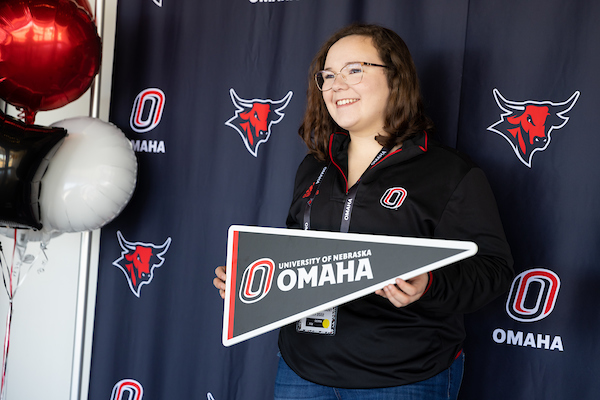
New, first-year students are required to meet with an advisor to enroll. You'll schedule your Enrollment Experience in the Online Orientation course.

Enrollment is open for incoming transfer students. Complete Online Orientation and schedule an advising meeting for a strong start.

All new international students will complete Online Orientation and attend an in-person event to connect with International Programs staff.
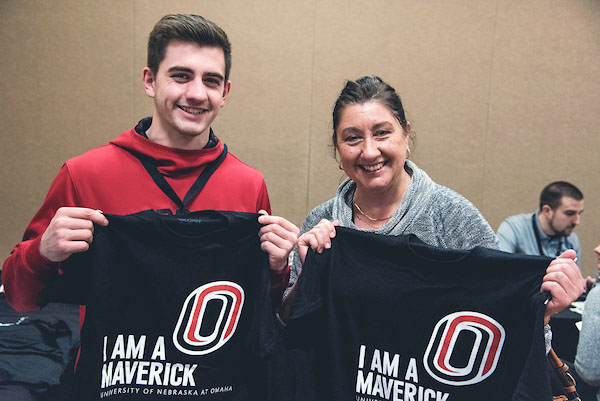
Explore resources to help you support your student's transition to college (and maybe get some peace of mind for yourself!).
New Student Launch Event